How Apolosign Digital Calendars Can Transform Family Organization
-
by John Mike
-
January 07, 2026
-
197 comments
-
8 Minutes read
-
311 views
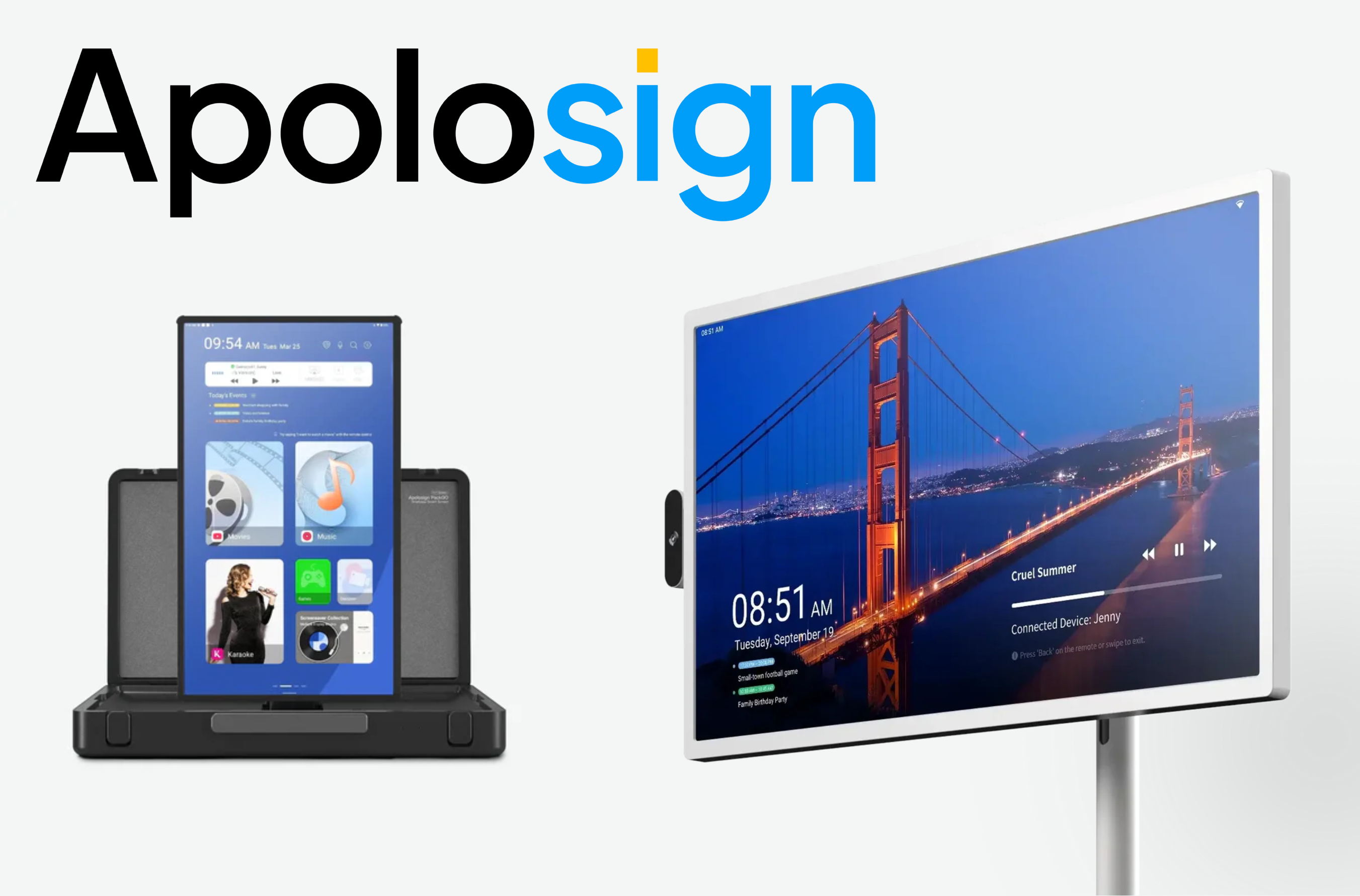
Streamline your family’s schedule with the Apolosign digital calendar, an all-in-one solution for managing events, tasks, and daily routines with ease.
The modern family schedule is a complex puzzle. Between school runs, work deadlines, soccer practice, and doctors' appointments, keeping everything straight can feel like a full-time job. The fridge door, covered in a chaotic collage of paper notes, magnets, and outdated reminders, often creates more confusion than clarity. What if you could replace that clutter with a single, elegant solution that keeps everyone in sync, on task, and connected? The Apolosign digital calendar is that solution, designed to be the central command center for your family’s busy life.
This guide will provide a comprehensive look at how a dedicated digital calendar can move your family from disorganized to streamlined. We will explore the specific challenges of modern family management and explain how the unique features of an Apolosign digital calendar, such as its dual-mode display and smart integrations, directly solve these problems. If you're looking for a practical way to reduce stress and bring harmony to your household, understanding this technology is your first step.
The Problem with Traditional Family Organization
For decades, families have relied on analog tools: paper wall calendars, whiteboards, and sticky notes. While these methods have their charm, they come with significant limitations in a digitally connected world.
-
They are static: A paper calendar cannot be updated unless you are physically in front of it. This means changes made during the day are often forgotten, leading to missed appointments or scheduling conflicts.
-
They lack detail: The small squares on a wall calendar leave little room for important information like addresses, contact numbers, or specific instructions for the kids' activities.
-
They create clutter: The kitchen counter or fridge becomes a graveyard of overlapping notes, important papers get lost, and the visual mess adds to a feeling of mental chaos.
-
They are not interactive: A whiteboard can’t send you a reminder, and a paper note can't tell you if a task has been completed. There is no feedback loop.
These outdated systems put the entire burden of organization on one or two people, creating a bottleneck and a constant source of stress. The Apolosign digital calendar was designed to eliminate these issues by creating a dynamic, interactive, and centralized hub for all family-related information.

Buy Now
How an Apolosign Digital Calendar Works
At its core, the Apolosign digital calendar is a smart display with a high-definition screen, but its true power lies in its software and thoughtful design. It’s not just an app on a tablet; it’s a dedicated device meant to be a permanent fixture in the heart of your home, like the kitchen or entryway.
The standout feature is its innovative dual-mode functionality, allowing it to serve two distinct purposes with a simple switch.
Mode 1: The Calendar View
This is the foundational mode. It displays a clean, easy-to-read calendar that can be synced with your family’s existing digital calendars (like Google Calendar or Apple's iCloud Calendar).
-
Centralized View: Everyone’s schedule appears in one place, with color-coding for different family members. You can see at a glance who needs to be where and when.
-
Real-Time Syncing: When a parent adds a work meeting from their phone, it instantly appears on the Apolosign calendar at home. When a teenager adds their sports practice schedule, the whole family sees it. This eliminates the need for constant verbal reminders and "Did you tell me about that?" conversations.
-
Detailed Event Information: Tapping on an event can reveal more details, such as location links for navigation, notes about what to bring, or contact information.
Mode 2: The Customizable Dashboard
This is where the Apolosign calendar transcends simple scheduling. The Dashboard view turns the screen into a dynamic information hub tailored to your family's needs. You can customize widgets to display:
-
To-Do Lists and Task Management: Create shared lists for groceries, household chores, or packing for a trip. Assign tasks to specific family members and check them off as they are completed.
-
Family Photos: When not displaying information, it can function as a beautiful digital photo frame, showcasing your favorite memories.
-
Weather Forecasts: See the day’s weather at a glance to plan outfits and activities accordingly.
-
Smart Home Controls: Integrate with your smart home ecosystem to control lights, thermostats, and other connected devices directly from the screen.
This dual-mode approach ensures the device is always providing value, whether you need to plan your week or just want a quick overview of your day.

Buy Now
Transforming Family Routines: The Key Benefits
By integrating an Apolosign digital calendar into your home, you’re not just getting a new gadget; you’re upgrading your family’s entire operating system.
1. Achieve Effortless Scheduling and Syncing
The primary benefit is creating a single source of truth for your family's schedule. No more conflicting appointments or double-bookings. The real-time sync ensures that every family member, from the parents managing work and home to the kids juggling school and hobbies, is on the same page. This builds accountability and teaches children valuable time-management skills.
2. Boost Household Productivity and Task Management
The dashboard's to-do list feature is a game-changer for managing household responsibilities.
-
For Parents: Keep a running grocery list that anyone can add to. Create a checklist for the morning routine to help kids get ready for school independently.
-
For Kids: Assign and track chores. This visual system can be more effective than verbal reminders, giving children a sense of accomplishment as they check items off the list.
The Apolosign 21.5" Digital Calendar, with its large, clear display, makes these lists highly visible and easy for everyone in the family to interact with.
3. Reduce Mental Clutter and Stress
The mental load of managing a family is immense. An Apolosign digital calendar helps offload that burden. Instead of trying to remember every little detail, you can trust that it's all captured on the calendar. This frees up mental energy and reduces the stress associated with feeling like you might be forgetting something important. The sleek, wooden frame and minimalist design also replace physical clutter with a piece of functional, stylish technology.
4. Enhance Family Connection and Communication
While it is a tool for organization, the calendar also serves as a point of connection. Reviewing the day’s or week’s schedule together can become a positive family ritual. Furthermore, using the display for family photos helps reinforce shared memories and strengthens family bonds. It’s a subtle but powerful way to keep what’s most important front and center.
Making an Informed Decision: Is It Right for Your Family?
An Apolosign digital calendar is a powerful tool, but it's best suited for families looking to solve specific organizational challenges. Consider if your family struggles with:
-
Keeping track of multiple, overlapping schedules.
-
Consistently managing chores and household tasks.
-
Forgetting appointments or important dates.
-
The stress and mental load of being the sole "family manager."
If these points resonate with you, the investment in a dedicated digital calendar could yield significant returns in peace of mind and family harmony.
Frequently Asked Questions (FAQs)
Is the Apolosign digital calendar difficult to set up?
No, the setup process is designed to be user-friendly. You simply plug it in, connect it to your home's Wi-Fi network, and follow the on-screen instructions to link your existing calendar accounts. Most users are up and running in under 15 minutes.
Can multiple people update the calendar?
Yes. The system is built for multi-user households. As long as you sync everyone’s individual digital calendars (e.g., their Google Calendar account) to the main display, anyone can add or edit events from their own phone or computer, and the changes will appear for everyone to see.
Does it require a subscription to use?
The core features of the Apolosign calendar, including the calendar sync and dashboard widgets, do not require a subscription. This gives you full access to its organizational power right out of the box.
What size is the screen, and is it a touchscreen?
The Apolosign 21.5" Digital Calendar features a large, vivid HD screen that is easy to read from across the room. It has an intuitive interface for easy navigation and interaction with the displayed information.
Can it integrate with smart home devices like Alexa or Google Assistant?
Yes, the Apolosign calendar is designed to be a part of your smart home ecosystem. You can use it as a dashboard to manage compatible smart devices, adding another layer of convenience to your daily routines.
The Future of the Family Hub
The kitchen wall calendar has served its purpose, but modern families need a modern solution. The Apolosign digital calendar represents the next evolution of the family hub—a smart, connected, and beautiful device that does more than just track dates. It actively helps you manage your life, reduces stress, and fosters connection. By bringing all your family's moving parts into one streamlined view, you get back your most valuable resource: time to spend with the people who matter most.
Ready to bring order to the chaos and transform your family's organization?
Explore the Apolosign 21.5" Digital Calendar today and take advantage of our 30-day risk-free trial.
POPULAR BLOGS




Hot categories
Comment:
Your email address will not be published. Required fields are marked *