How DesignFiles Helps Interior Designers Save Time and Boost Profits
-
by Zayam AR
-
February 11, 2026
-
263 comments
-
7 Minutes read
-
747 views

Streamline your interior design business with DesignFiles: manage projects, mood boards, invoices, and clients all in one powerful platform.
You started your interior design business because you have a passion for creating beautiful, functional spaces—not because you love chasing invoices, juggling a dozen different logins, or spending hours formatting product lists. Yet, for many designers, the reality of running a business often overshadows the creative joy of design. If you find yourself buried under administrative tasks while your profit margins stagnate, you aren't alone. The industry is rife with inefficiencies, but the solution isn't to work harder; it's to work smarter with the right tools.
This is where interior design software transforms from a "nice-to-have" into a business necessity. Specifically, DesignFiles has emerged as the industry standard for designers who are serious about scaling. It’s not just a digital drawing board; it is a comprehensive ecosystem designed to reclaim your time and supercharge your revenue. In this guide, we will break down exactly how DesignFiles acts as a force multiplier for your business, helping you cut admin time in half and increase your bottom line.
Save Time with Streamlined Workflows
The biggest enemy of a profitable design business is "context switching." This is the mental energy lost when you jump from a floor planner to an email thread, then to a spreadsheet, and finally to a separate invoicing tool. It fragments your focus and eats up billable hours.
DesignFiles solves this by consolidating all critical functions of your business into a single intuitive dashboard. By centralizing your workflow, you eliminate the friction that slows you down.
Try Now
All-In-One Design Capabilities
Instead of paying for expensive CAD software, a separate mood board creator, and a third tool for rendering, DesignFiles offers robust design features under one roof:
-
- Mood Boards: Create stunning, shoppable mood boards in minutes. The built-in product clipper lets you grab items from any online vendor and drop them directly into your project.
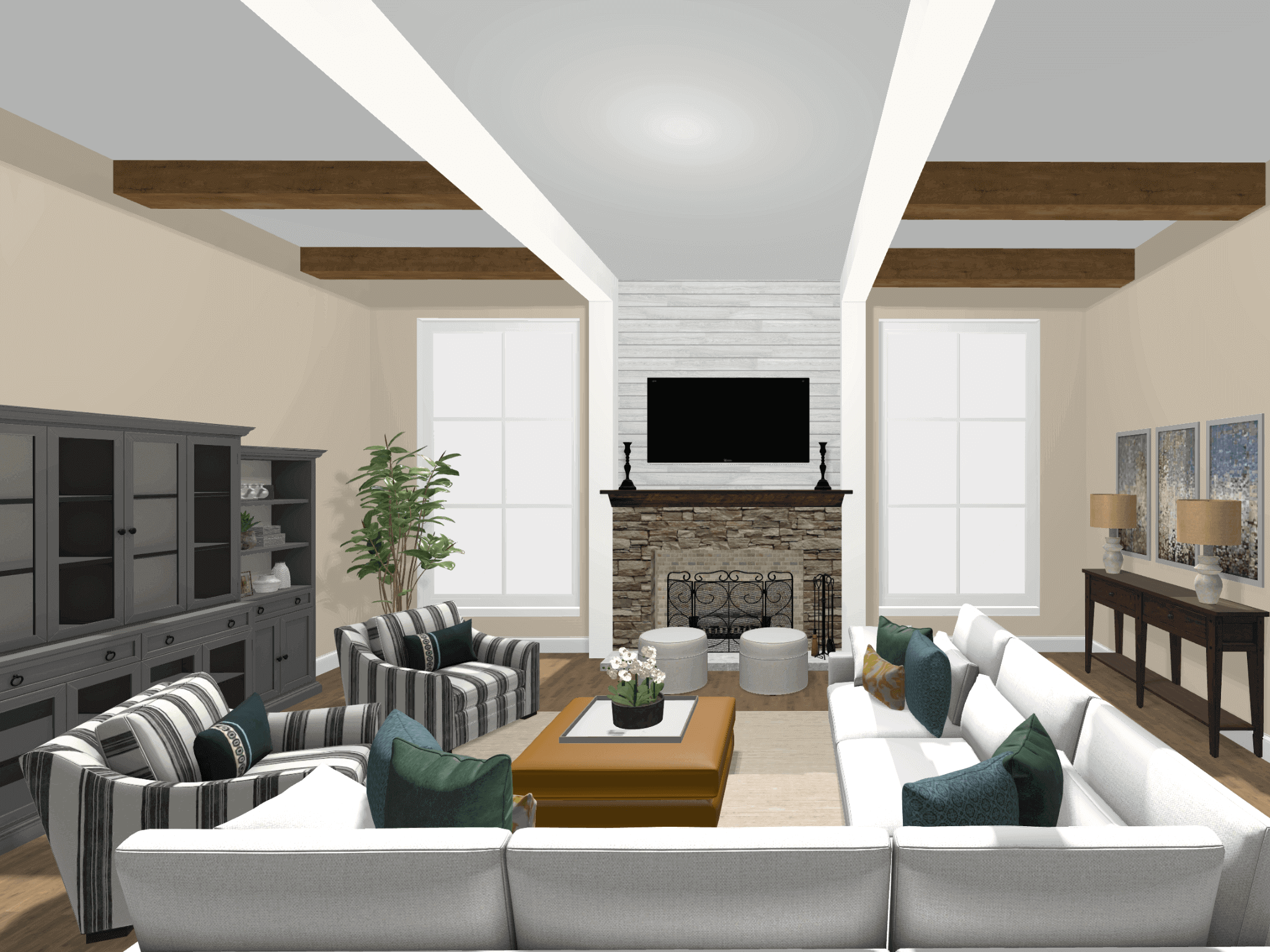
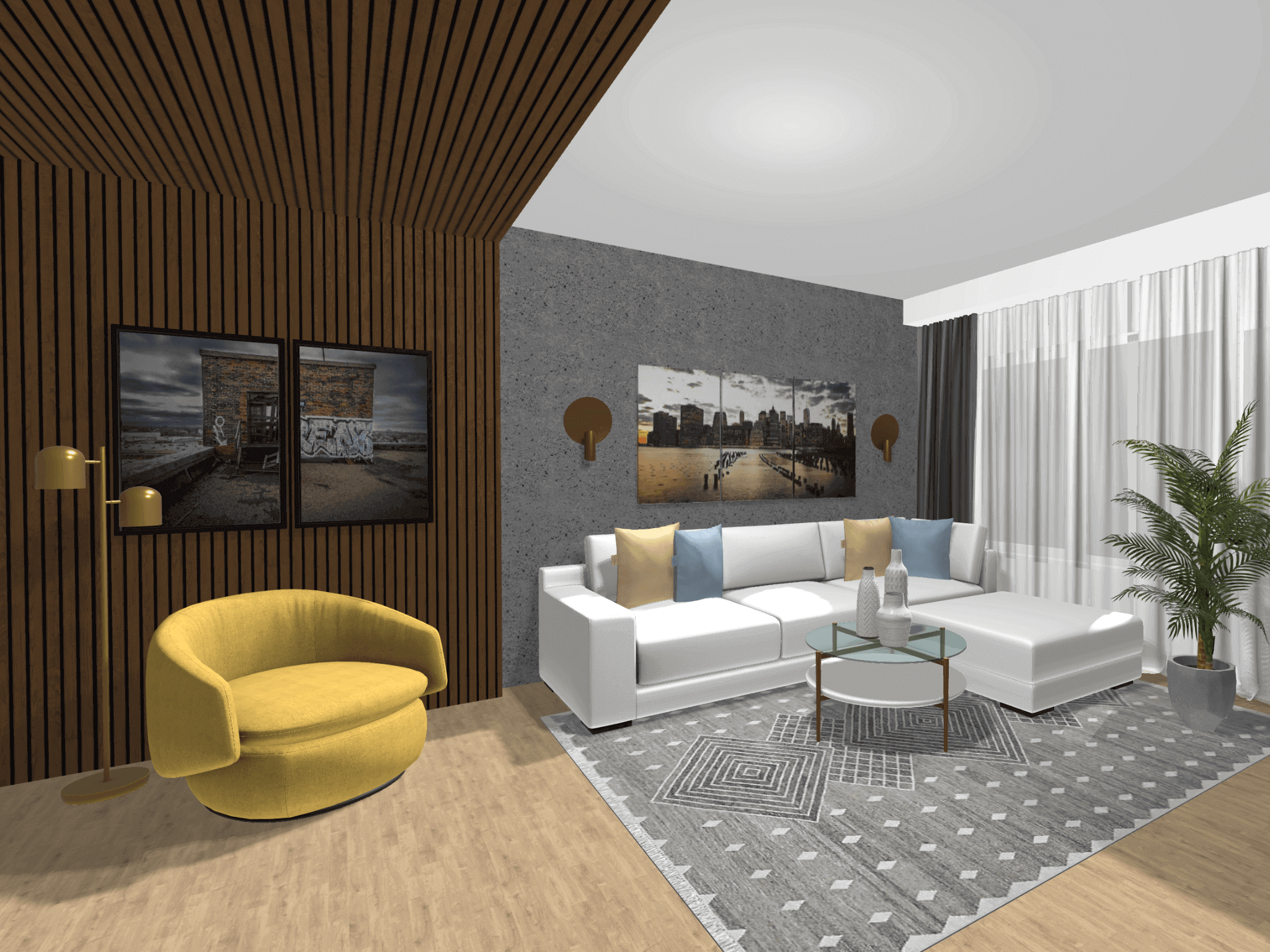
- Floor Plans & 3D Renderings: You don't need to be a tech wizard to produce professional visuals. The software allows you to build 2D floor plans and automatically convert them into photorealistic 3D renderings. This feature alone can save countless hours compared to learning complex architectural software.
- Task Management: Keep your projects on track without leaving the platform. Assign tasks, set deadlines, and monitor progress alongside your designs.
- Mood Boards: Create stunning, shoppable mood boards in minutes. The built-in product clipper lets you grab items from any online vendor and drop them directly into your project.
When all your design assets live in the same place as your project management tools, you stop wasting time hunting for files and start delivering results faster.
Boost Profits with Better Financial Management
Many designers leave money on the table simply because their tracking systems are disorganized. If you are using Excel spreadsheets to track orders and manual invoices to collect payments, you are likely missing out on billable hours and markups. DesignFiles turns financial management into a strategic advantage.
Accurate Profitability Tracking
Knowing your numbers is the difference between a hobby and a thriving business. DesignFiles provides built-in financial reporting that tracks your revenue and profitability in real-time. You can see exactly how much profit you are making on furniture markups versus design fees, allowing you to adjust your pricing model for maximum gain.
Streamlined Invoicing and Payments
Chasing checks is a thing of the past. The platform allows you to generate branded quotes and itemized invoices with a few clicks. Because the invoicing system is integrated with your product specifications, you eliminate the risk of manual data entry errors.
-
- Get Paid Faster: Clients can pay directly online via credit card or ACH. Frictionless payment options mean money lands in your account sooner.
- QuickBooks Integration: For seamless accounting, DesignFiles syncs with QuickBooks, eliminating double-entry and keeping your accountant happy.
- Get Paid Faster: Clients can pay directly online via credit card or ACH. Frictionless payment options mean money lands in your account sooner.
Real-World Impact:
Designers like Stephanie Finucane have reported tripping their profits simply by organizing their business through DesignFiles. When you have clarity on your numbers, you make better business decisions.
Improve Client Satisfaction with Seamless Collaboration
In the high-touch world of luxury service, the client experience is everything. A confusing email chain full of attachments looks unprofessional and leads to misunderstandings. DesignFiles elevates your brand perception through its dedicated Client Portal.
The Client Portal Experience
Imagine giving your clients a single, branded login where they can see everything related to their project. No more digging through inboxes for that one light fixture option you sent three weeks ago.
-
- Interactive Feedback: Clients can leave comments directly on specific items within the mood board or floor plan. They can approve or reject items with a click, giving you immediate clarity on how to proceed.
- Real-Time Notifications: You are alerted the moment a client interacts with a design, allowing you to respond promptly and keep momentum going.
- Status Updates: Clients can track the status of their orders, reducing the "where is my sofa?" texts that disrupt your evenings.
- Interactive Feedback: Clients can leave comments directly on specific items within the mood board or floor plan. They can approve or reject items with a click, giving you immediate clarity on how to proceed.
By using dedicated client collaboration tools, you set professional boundaries while simultaneously offering a transparent, VIP experience. Happy clients who feel heard and organized are the ones who write 5-star reviews and refer their friends.
How DesignFiles Stacks Up Against Alternatives
The market is flooded with design project management tools, but many are piecemeal solutions. Some excel at accounting but lack design features. Others are great for rendering but offer zero project management capabilities.
Here is why DesignFiles stands out as the superior choice for the growth-minded designer:
-
- The "All-in-One" Promise: Unlike competitors that require you to "Zap" different apps together, DesignFiles is truly native. Your invoices talk to your product list, which talks to your mood board. The data flow is seamless.
- Product Clipper Versatility: Some software restricts you to a specific vendor catalog. DesignFiles offers a universal browser clipper, meaning you can source from any vendor on the web and add it to your library instantly. This flexibility is crucial for designers who pride themselves on unique sourcing.
- Learning Curve: Complex architectural software can take months to master. DesignFiles is built for speed and usability, allowing new users to create professional renderings in their first week.
- The "All-in-One" Promise: Unlike competitors that require you to "Zap" different apps together, DesignFiles is truly native. Your invoices talk to your product list, which talks to your mood board. The data flow is seamless.
While generic project management tools like Asana or Trello are powerful, they aren't built for the specific nuances of sourcing furniture, tracking shipments, and visualizing space. You need a tool built by people who understand the interior design industry.
Buying Considerations: What to Look For
If you are still weighing your options, consider these critical factors before committing to a software subscription.
-
- Scalability: Will the software grow with you? You might be a solo-preneur now, but if you plan to hire junior designers or VAs, you need a platform that supports team collaboration and permission settings. DesignFiles is built to scale from solo freelancers to large design firms.
- Customer Support: When a rendering glitches 24 hours before a big presentation, you need help fast. DesignFiles boasts a 4.8/5 rating for customer support, with real humans ready to assist—not just chatbots.
- Cost vs. ROI: Don't just look at the monthly fee; look at the return on investment. If a tool saves you 10 hours of admin work a month and prevents a $500 ordering mistake, it has paid for itself ten times over.
- Client Interface: Remember, you aren't the only one using the software; your clients are too. If the interface is clunky or confusing for them, it reflects poorly on your brand. Always choose software with a polished, user-friendly client portal.
- Scalability: Will the software grow with you? You might be a solo-preneur now, but if you plan to hire junior designers or VAs, you need a platform that supports team collaboration and permission settings. DesignFiles is built to scale from solo freelancers to large design firms.
Try Now
Stop Scrambling, Start Scaling
The difference between a stressed-out designer and a successful CEO often comes down to systems. You cannot scale chaos. To grow your revenue to six figures and beyond, you need a foundation that supports volume without sacrificing quality.
DesignFiles offers that foundation. It replaces the chaos of spreadsheets and scattered emails with a streamlined, professional hub that handles the heavy lifting for you. By automating the mundane and organizing the complex, you free yourself to do what you do best: design.
Are you ready to stop working harder and start building a more profitable business?
Join the 6,000+ designers who have transformed their workflows.
POPULAR BLOGS




Hot categories
Comment:
Your email address will not be published. Required fields are marked *